
Mac

Komma CSV

Minimalist CSV editor

Komma CSV — screenshot 1Komma CSV — screenshot 2Komma CSV — screenshot 3Komma CSV — screenshot 4Komma CSV — screenshot 5Komma CSV — screenshot 6

Minimalist CSV editor

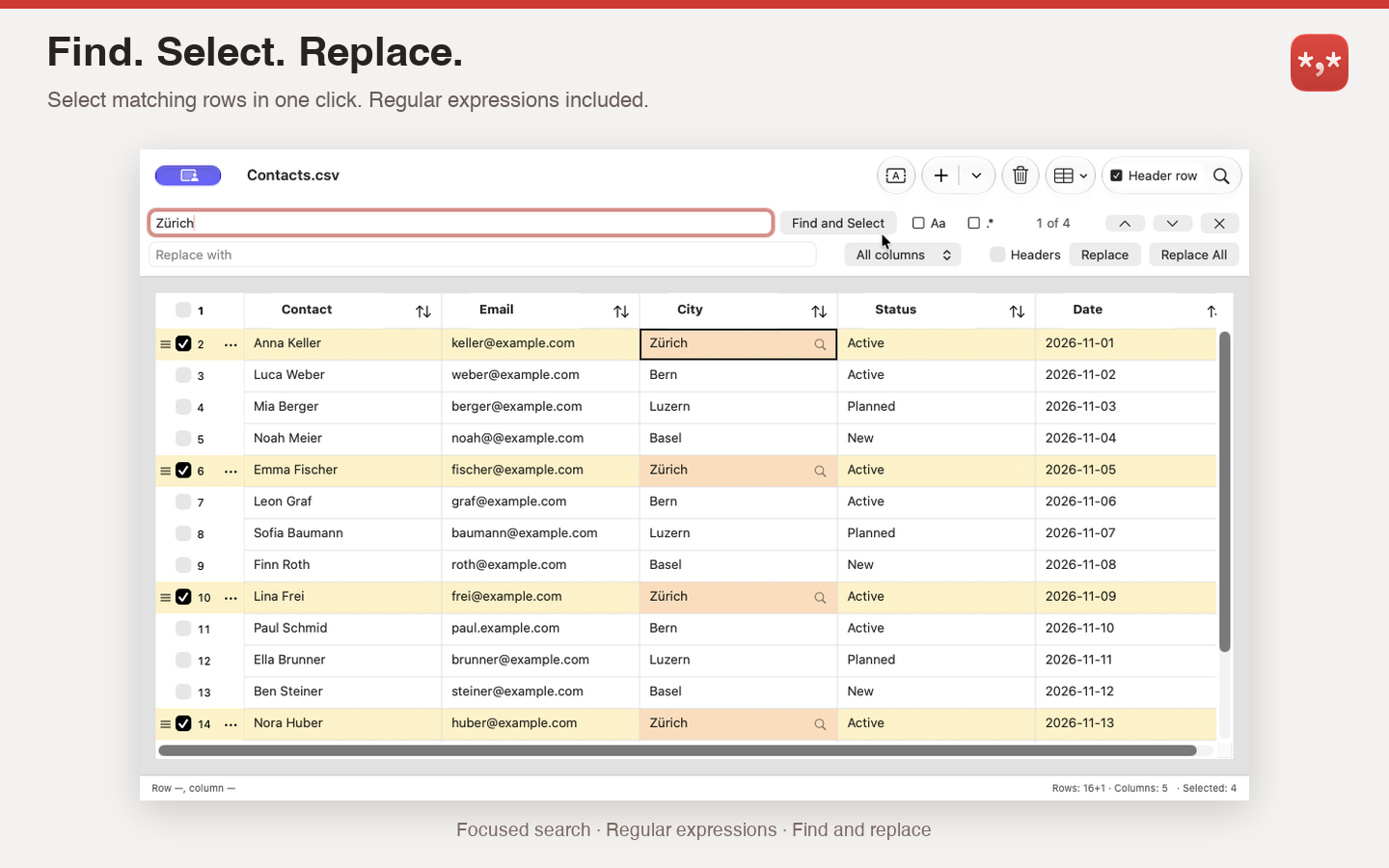
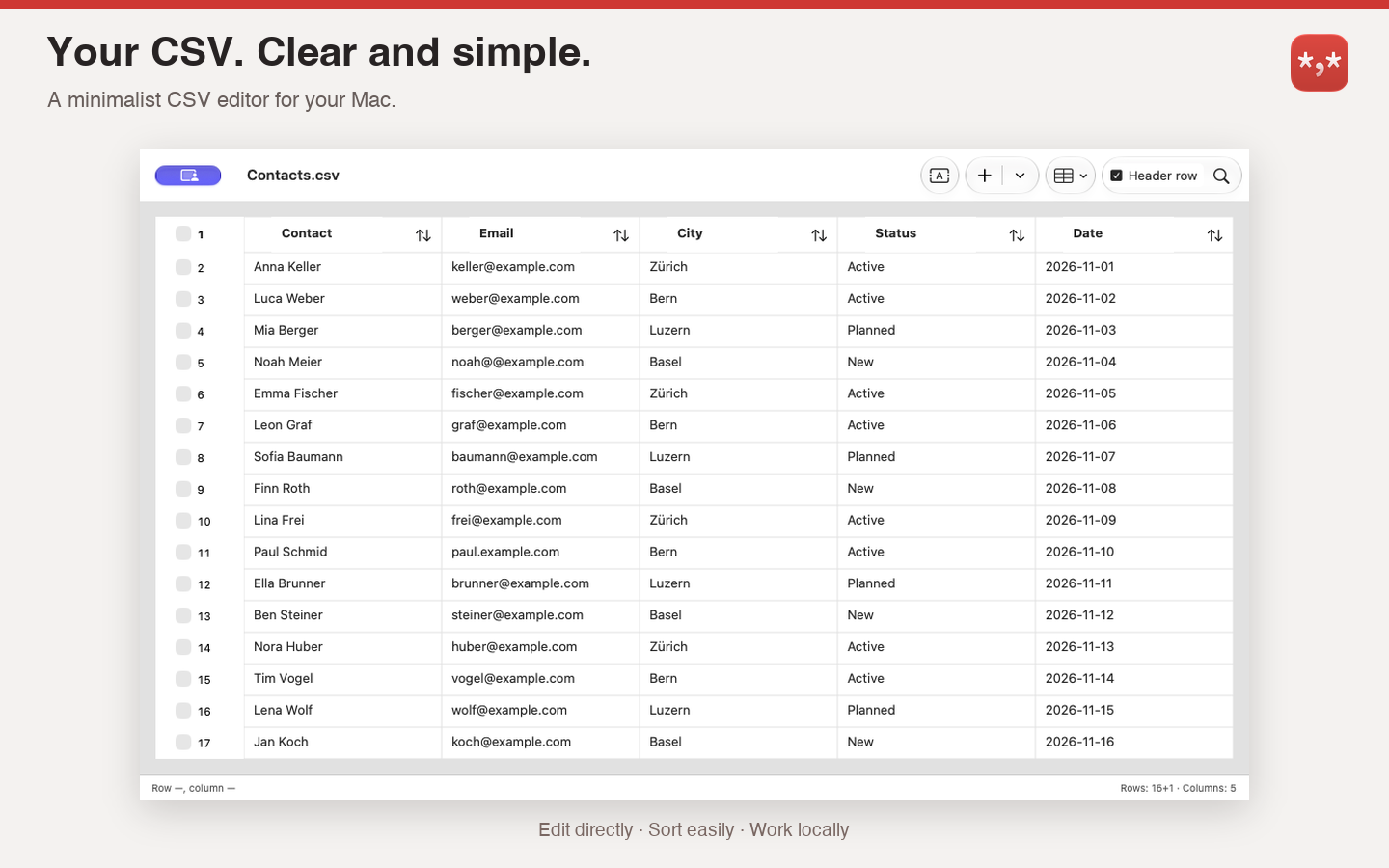
Open a table, make a correction, save your work. Komma CSV is a minimalist CSV editor for Mac that keeps everyday data editing straightforward. Edit cells directly, find matching rows, replace text and sort whole rows while keeping related values together.

Import and export options help you work with different separators, encodings and CSV variants. Review character encoding corrections before creating a separate corrected copy. Undo and redo let you revisit your edits.

  • Edit CSV and TSV files directly in a table
  • Find and replace with regular expressions
  • Find and select matching rows with highlighted results
  • Sort columns as text or numbers and restore the original row order
  • Undo and redo edits
  • Import and export with configurable separators, quotes, encodings and line endings
  • Review character encoding corrections and create a separate corrected copy
  • Light, dark and system appearance
  • German and English interface and step-by-step help
CHANGELOG

What’s new

Version 2.4 – Developer-focused enhancements

• Edit multiple CSV files simultaneously (MDI).
• Create tables at the size you need: choose the number of rows and columns and whether the first row is used as a header.
• Print tables or save them as PDF through the macOS print dialog.
• Improved CSV file opening.

For beta testers (installed via TestFlight):
• Excel support: import .xlsx files.
• Import HTML tables from a web URL or a local file.
• Export as JSON, HTML, or Markdown.
• Export HTML as a complete web page or just the table markup, with or without formatting.

Version 2.3 – Easier selection and editing

Select rows and columns
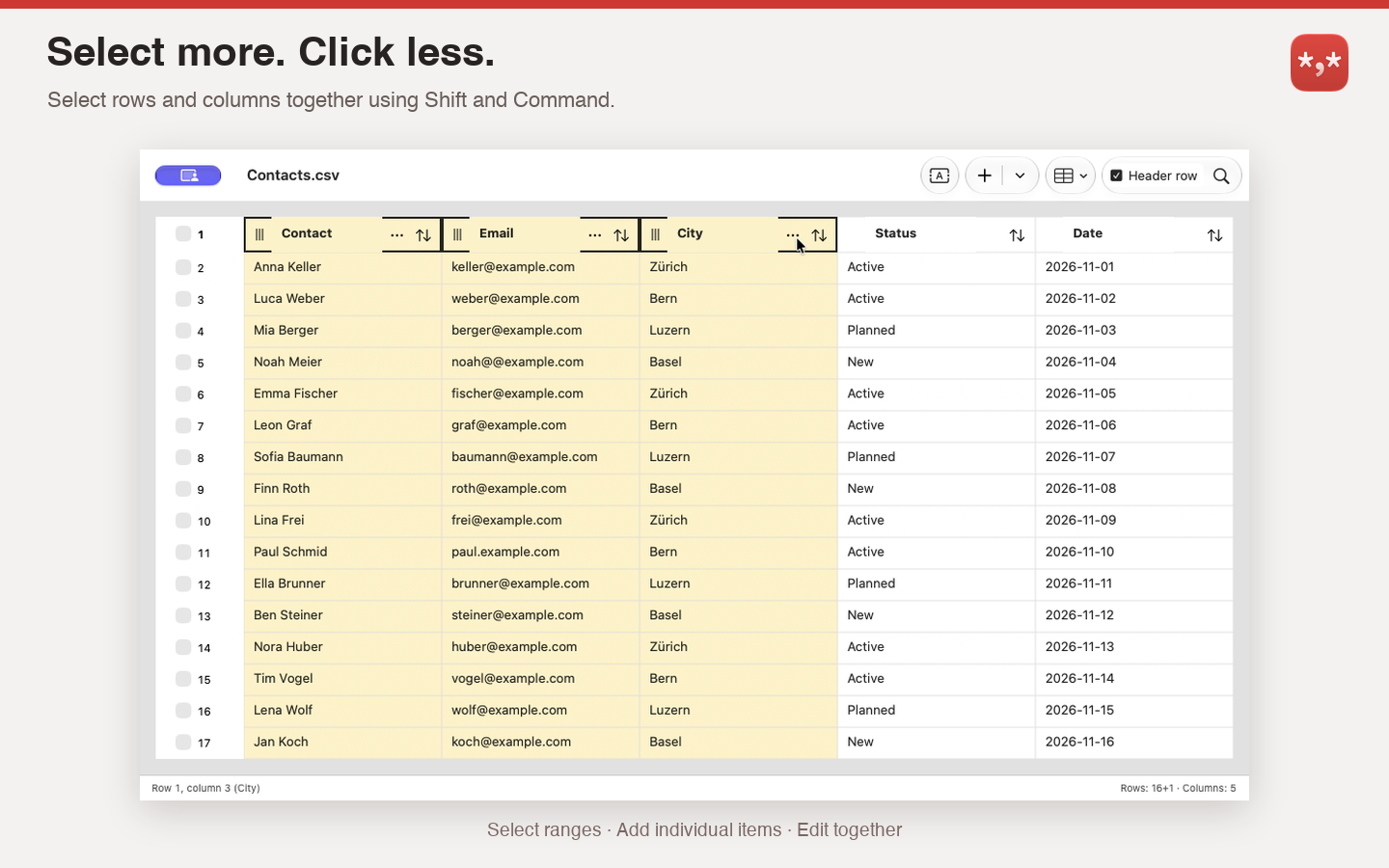
Click a row number or column heading to select it. Click again to deselect it. Hold Shift to select a range, or Command to add or remove individual items.

Access actions directly
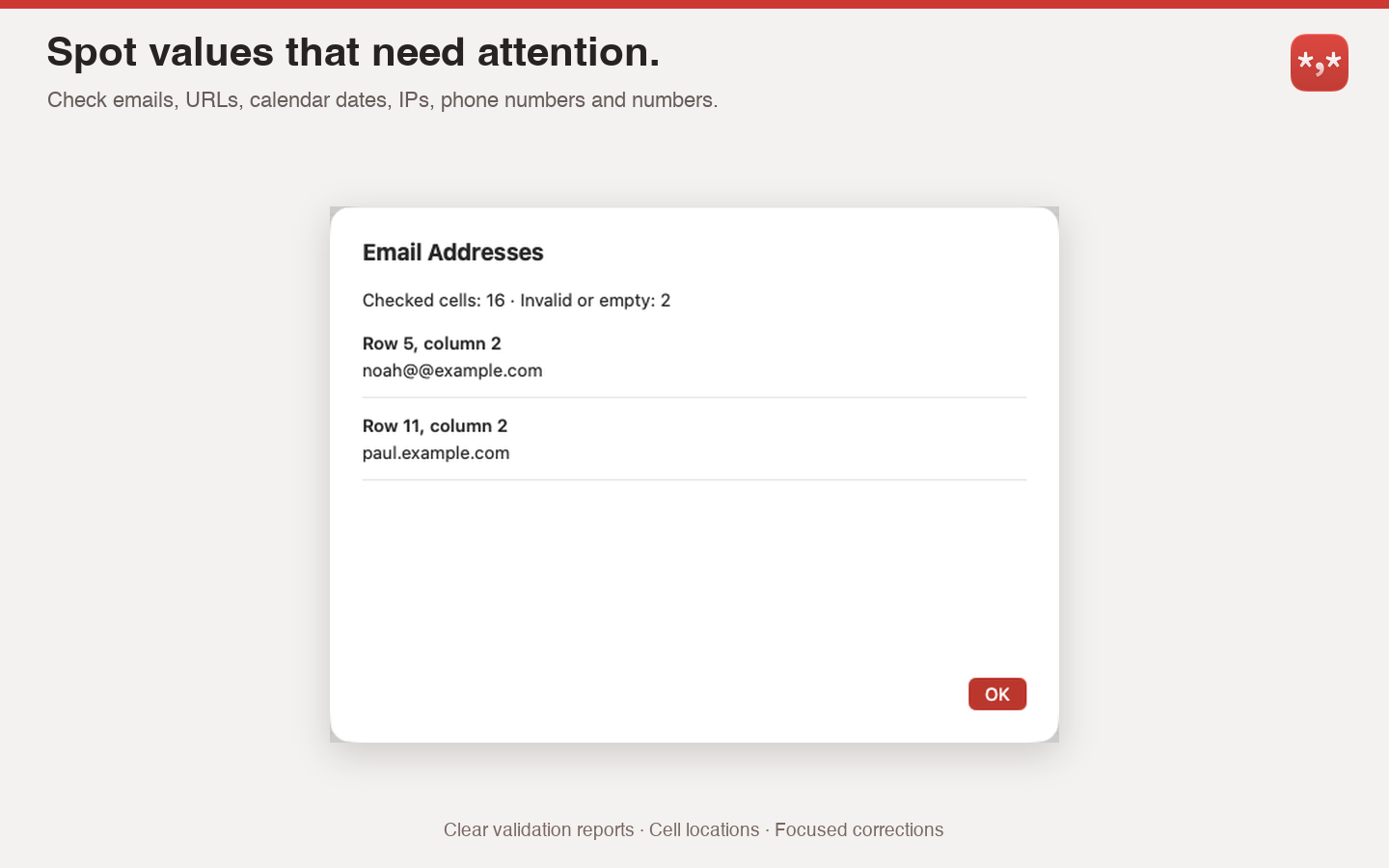
Selected rows and columns show their menu buttons and drag handles. Double-click a row number or column heading to open its menu. Column menus also include validation and cleanup tools.

Change case across your selection
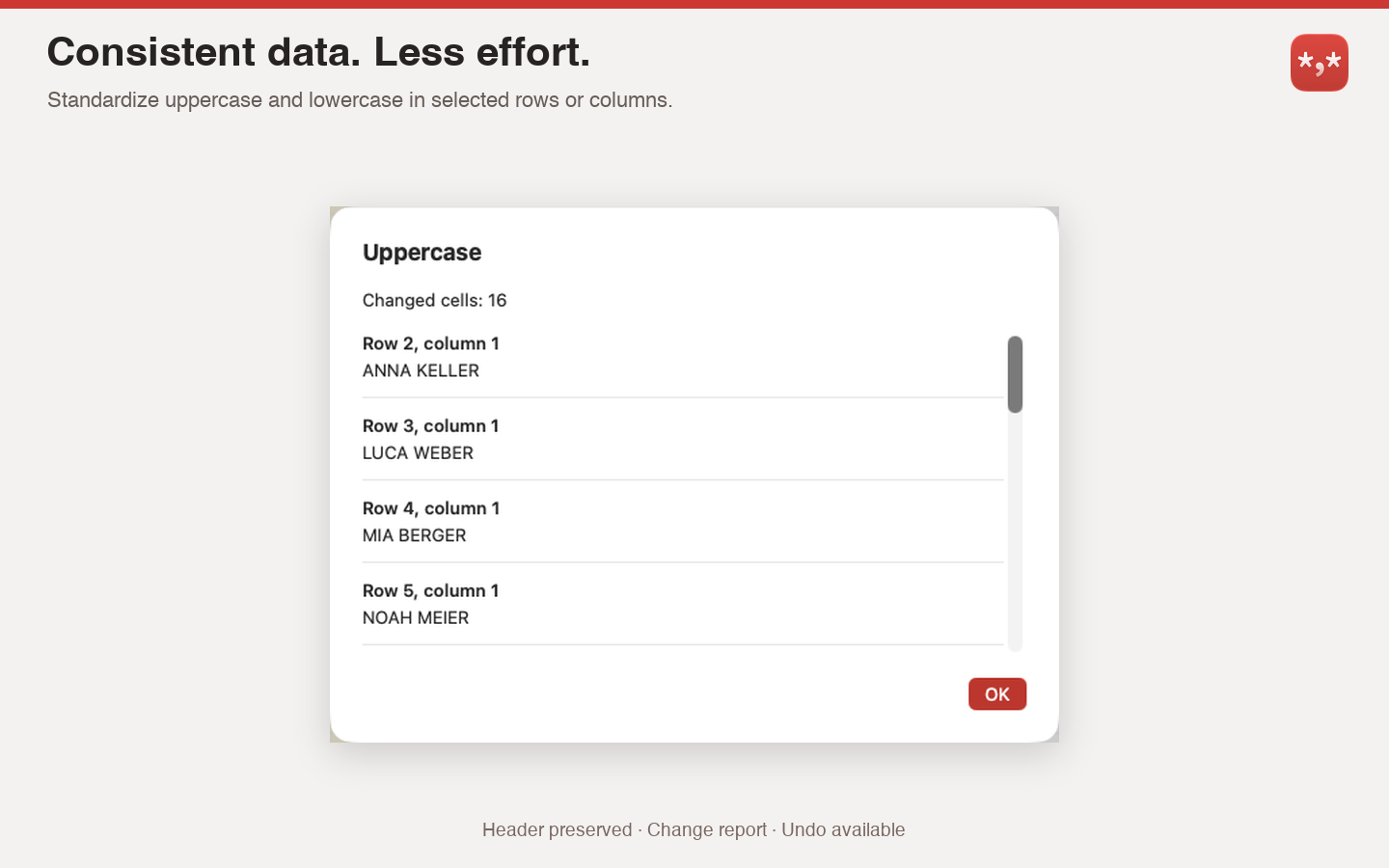
Convert the contents of multiple selected rows or columns to uppercase or lowercase in one step. A designated header row stays unchanged.

Split columns
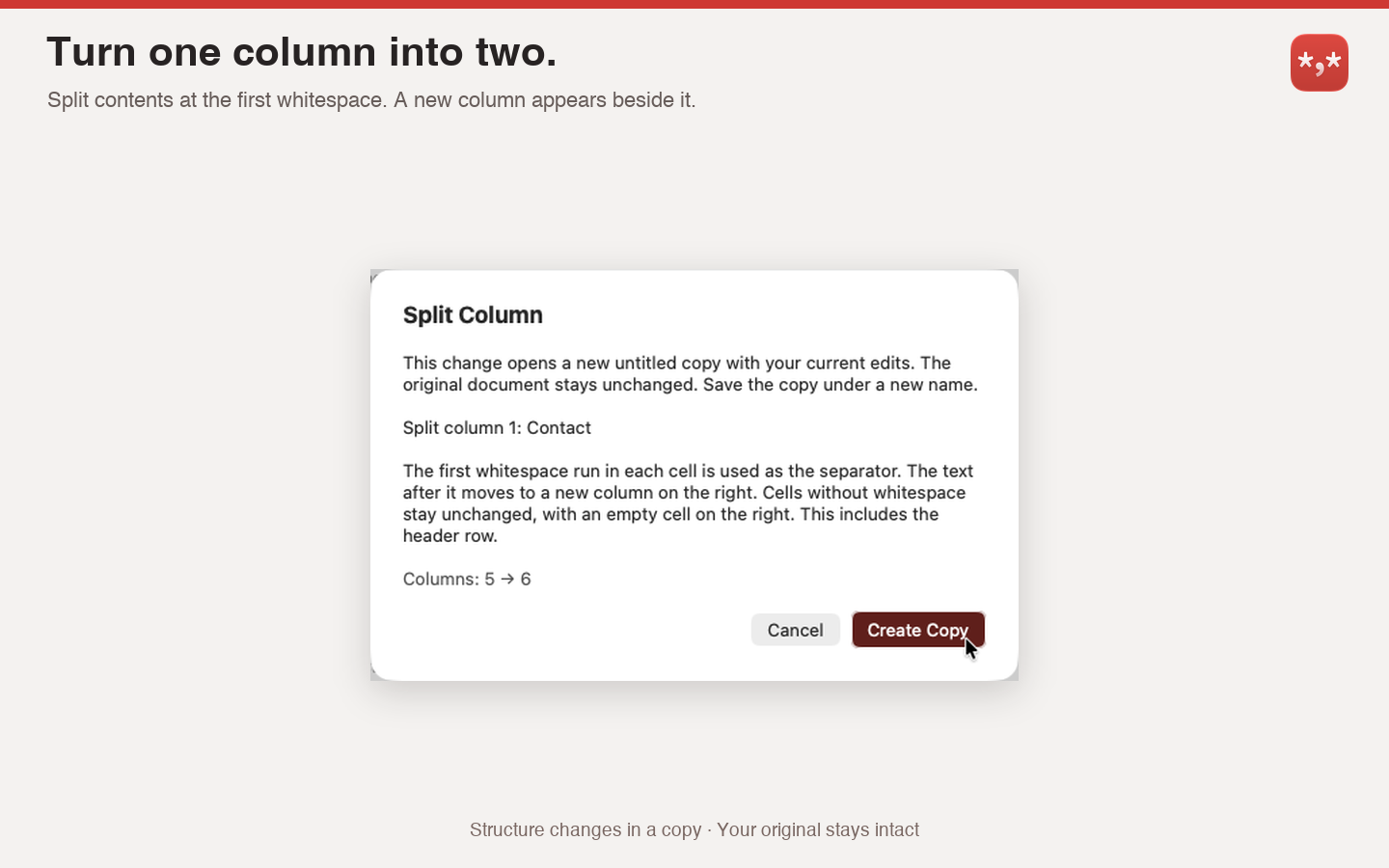
Split cell contents at the first whitespace into two columns, such as “Anna Smith” into “Anna” and “Smith.” For saved files, the change creates a new copy. If no cell contains whitespace, the table stays unchanged.

Close search with a click
Click the magnifying glass again to close Find and Replace.

See the complete first row
When you open a file, the first data row is fully visible below the column headings, including when using larger text.

Updated help
The German and English help explains the new selection, editing, and column features.